Define a Role
Roles allow for the rapid provisioning of System Environments based on profiles and also contribute meaningful organisational information to the Wiki
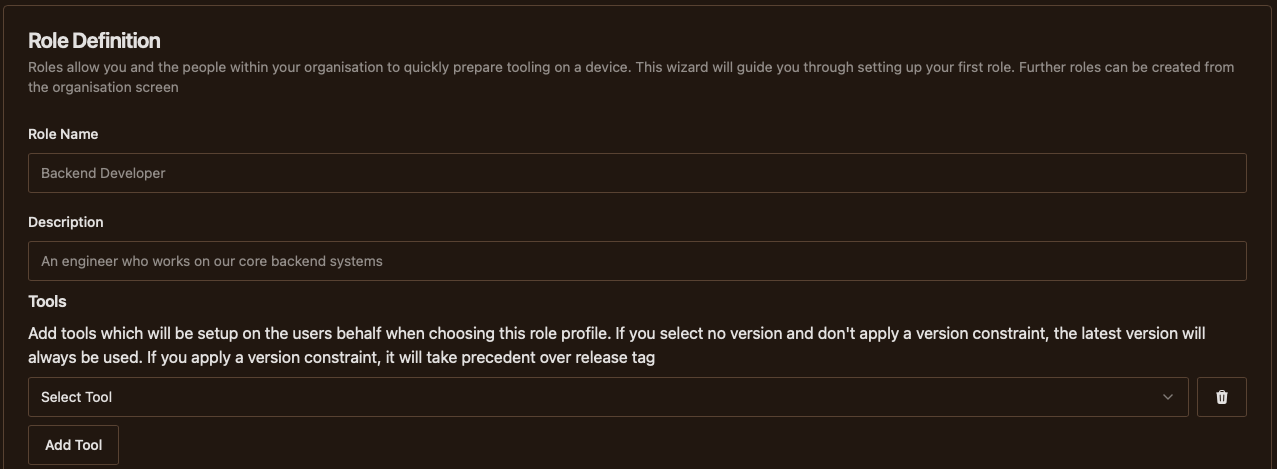
- Role NameGive a title to the role
- DescriptionGive a meaningful summary of the capabilities included within the role
- Add ToolsClick the Add Tool button, choose a tool from the dropdown, and optionally follow the instructions below to control tool version
Each time you select a tool from the select menu, you have the option to target what versions of the tool would be included in the environment via semantic version constraint.
You can either manually enter a version constraint from the text input or choose a predefine constraint using the tag drop down menu. If you leave the version constraints empty, JoyDX will default to using the latest available version of the tool.
