Start Tracking an Application
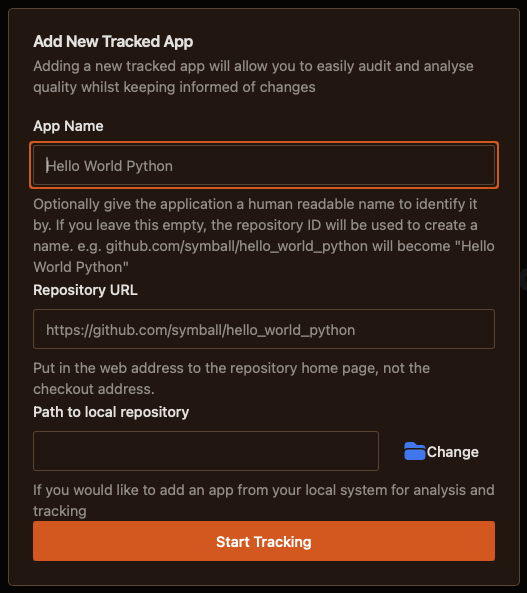
Apps are software projects where you have access to the source code that you would like JoyDX to manage. You can start tracking from a remote repository (which will clone to the shared data path) or from a local file path (which will copy to the shared data path).
- App NameGive the application a human identifiable name. If left blank, JoyDX will automatically convert the repository path to a title
- Repository URLURL to the repository home page hosting the code
- Path to local repositorySelect the root project folder from your file system
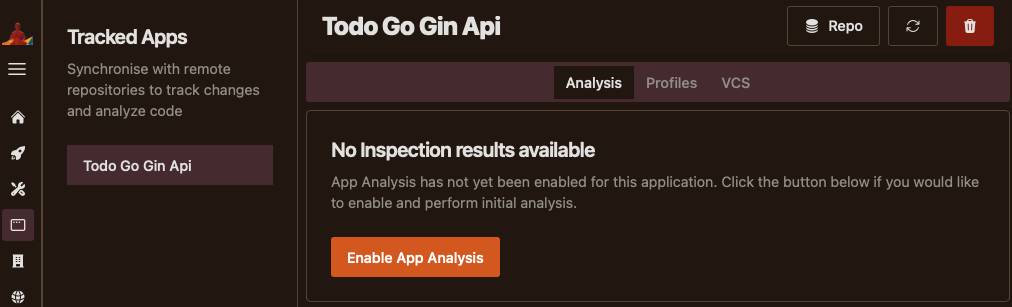
Once the app is available within the shared data path, JoyDX will place you within the Analysis Screen.
- Enable AnalysisBy default, JoyDX will only track and inform you of changes to the project version control. Enabling app analysis will create reports at each commit for quality and auditing purposes
- ProfilesManage application configurations for use within environments
- VCSManage history of the project within version control